
Finding the best college AI tools in 2026 is genuinely overwhelming and I say that as someone who spent months testing dozens of them. Every week a new app appears promising to transform the way you study, write essays, or prepare for exams. When I started this search during my first semester, I had no idea where to begin or which ones were actually worth my time
One statistic stopped me mid-scroll when I first saw it. Ishan Sharma, a tech educator with over a million followers who has tested dozens of AI study tools, shared that more than 85% of students already use AI for their studies but roughly 80% of those students are using these tools incorrectly. They install an app, get mediocre results, and abandon it within a week. If that sounds like your experience, you are not alone and it is not your fault
Most students are not getting bad results because the tools are bad. They are getting bad results because nobody ever showed them how to use these tools properly. That gap is exactly what this guide covers
By the end of this guide, you will know exactly which academic AI tools are worth your time, what each one does best, which ones are completely free, and how to build a simple daily workflow that cuts your study time in half. No filler. No tools that take an hour to figure out. No list of 50 apps you will open once and forget. Just the AI tools for studying that actually move the needle on your grades and your schedule.
Stop Downloading Every App: Here’s How to Actually Choose the Right AI Tool
The biggest mistake I see college students make is downloading every AI app they hear about. You end up with a dozen apps on your phone, none of them properly set up, and you still have no idea which one to open when you actually need help.
I made this exact mistake during my first semester. I had ChatGPT open in one tab, three different note-taking apps on my phone, two writing assistants bookmarked, and Quizlet for flashcards. I was spending more time deciding which app to open than I was actually studying. That is when I realized the tool stack itself was the problem.
What actually worked for me was simpler than any app. Before downloading anything new, I started asking myself three questions.
Question 1: What specific task do I need help with right now? Am I trying to understand a confusing concept, write an essay, organize my notes, or prepare for an exam? Each task requires a different kind of tool. The best AI apps for students solve one problem exceptionally well — they do not try to do everything at once.
Question 2: Do I have a budget, or do I need completely free options? Some tools offer genuinely useful free tiers. Others lock every meaningful feature behind a paywall. Know this before you build a college student workflow around a tool you may not be able to afford next month.
Question 3: Do I want one all-in-one tool, or am I comfortable using specialized tools? Some students prefer a single platform. Others mix the best option for each task. Neither approach is wrong, but you need to commit to one — otherwise you end up switching apps mid-assignment and losing time you did not have.
The single shift that changed how I used AI tools for studying was forcing myself to a two- to three-tool limit. Pick your tools, actually learn how each one works, and master them before you add anything else. Most students download ten apps and use none of them effectively because the setup friction alone kills motivation. Start small, build your workflow, and expand only when you genuinely hit a limit not because something new looked interesting on TikTok
You can always add more tools later when you genuinely need them. Start small, build your workflow, and expand only when you hit a real limit.
ChatGPT, Claude, or Gemini: Which AI Assistant Should College Students Use?
Choosing between AI assistants for college homework help does not have to be complicated. ChatGPT is the best all-around option for brainstorming and concept explanation. Claude handles complex writing feedback more effectively. Gemini makes the most sense if you already do all your work inside Google Docs and Google Drive.
All three tools are built on large language models AI systems trained on enormous amounts of text that allow them to understand your questions and generate detailed, contextually relevant responses. ChatGPT comes from OpenAI, Claude from Anthropic, and Gemini from Google. Knowing who built each tool matters because each company made different design choices that affect how the tool behaves in academic contexts.
The key is knowing what each one does best so you can pick the right AI tutor for students based on the actual task in front of you.
ChatGPT: The Starting Point Most Students Already Use
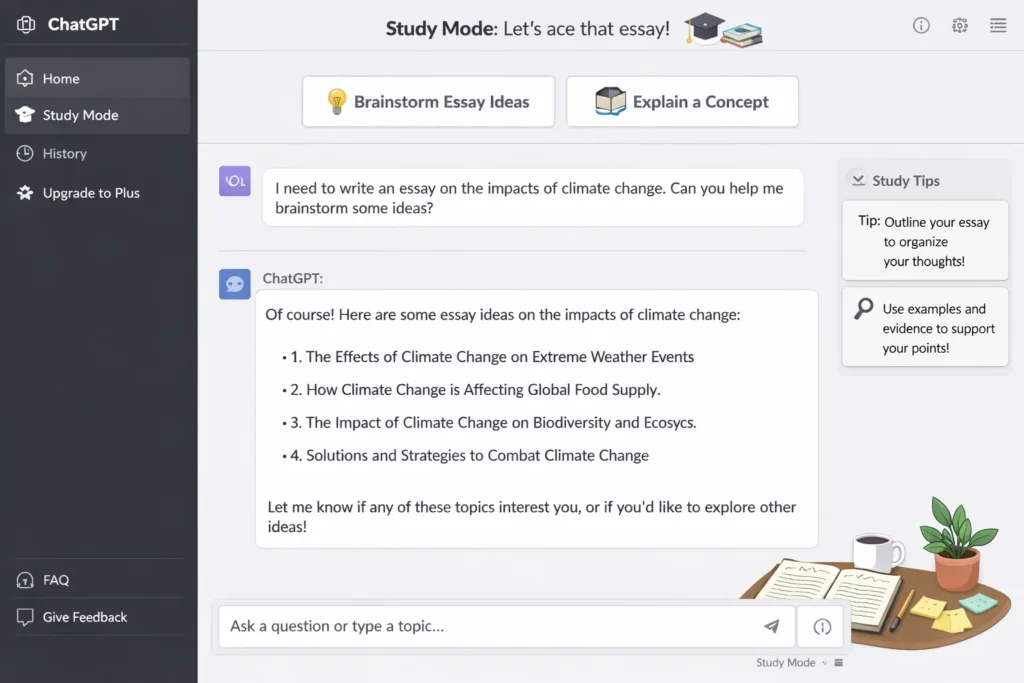
ChatGPT for college students is likely the first AI tool you ever opened. Most students already have an account, the free version covers most everyday study tasks, and the chat interface is straightforward enough that you can start getting useful results within your first five minutes.
I use ChatGPT when I need to brainstorm essay ideas, get a quick explanation of a concept I do not understand, or create an outline before I start writing. The tool is fast, conversational, and great at breaking down complicated topics into simple language.
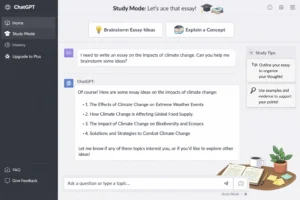
Most students miss one of ChatGPT’s most useful features: Study Mode. Instead of just handing you answers, Study Mode questions you back, tracks your progress over sessions, and adjusts the difficulty based on how well you are performing. That single feature turns ChatGPT from a shortcut into a genuine AI tutor for students
Where does ChatGPT fall short? Accuracy is inconsistent particularly for recent events, niche academic topics, or anything requiring verified sources. More importantly, submitting ChatGPT-generated text directly into an assignment is a significant risk. Most AI plagiarism checker tools like Turnitin are now specifically calibrated to detect it. Use ChatGPT to understand the material and build your ideas, not to generate your final submitted text
Claude: Better Than ChatGPT for Complex Writing Tasks
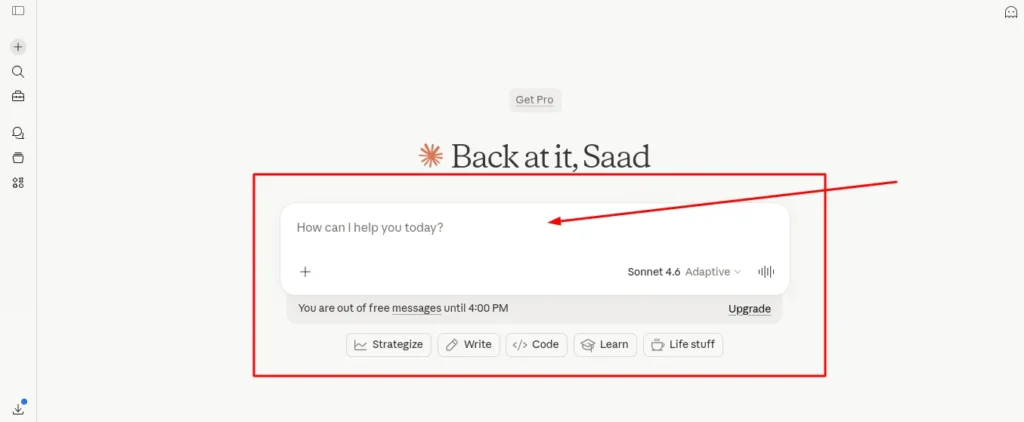
Claude is the AI writing assistant I use when I need substantive feedback on a draft I have already written. If ChatGPT is better for generating ideas, Claude is better for refining and improving them.
I have noticed that Claude gives more nuanced, specific responses when I ask for line-by-line feedback on an essay draft. Claude also handles complex topic breakdowns more carefully than ChatGPT — particularly when the subject involves philosophical arguments, ethical analysis, or multi-layered reasoning where precise language matters.
One student on Reddit put it well. Claude is superior for breaking down complex topics and getting feedback on writing drafts. I agree with that. When I need help improving my academic performance on a paper that actually matters, I use Claude over ChatGPT.
The downside is that Claude has a smaller user community than ChatGPT, which means fewer tutorials, fewer community threads, and less peer support when you get stuck. That said, if writing quality genuinely matters to your grades, the extra time it takes to learn Claude pays off quickly.
Google Gemini: The Smart Choice If You Use Google Docs
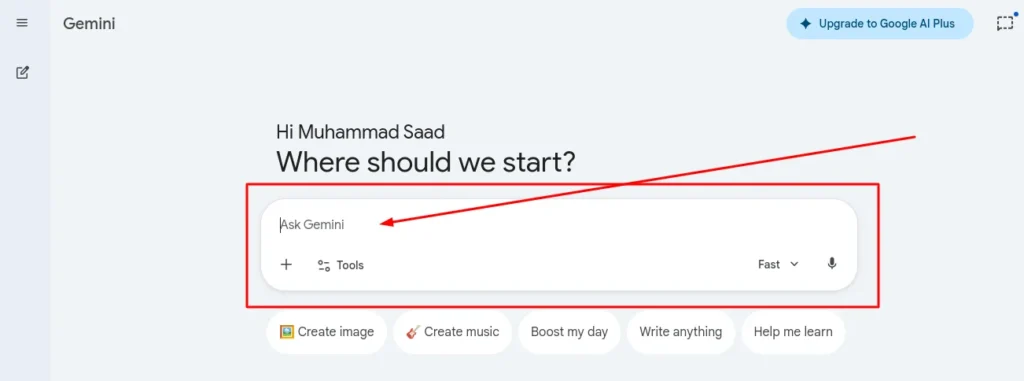
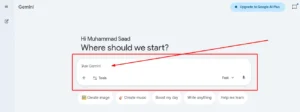
Google Gemini makes the most sense for students whose entire academic life runs through Google Workspace. If your notes live in Google Docs, your presentations are built in Google Slides, and your professors distribute everything through Google Classroom, Gemini works within those tools without requiring you to copy and paste content between apps.
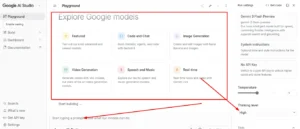
One Gemini feature most students overlook is Google AI Studio’s screen-sharing capability. You can share your screen with the AI and get real-time guidance while you work no switching between tabs, no copy-pasting your problem into a chat window. If you are stuck on a spreadsheet formula, struggling to format a document, or confused about how to structure a slide deck, Gemini watches your screen and guides you through it step by step.
There is also a student plan for Gemini that gives you premium access for a full year plus 2TB of Google Drive storage. That is a massive upgrade if you are constantly running out of space for class recordings, PDFs, and project files.
Gemini works especially well as one of the best AI tools for online college students because so much of online learning already happens inside Google’s ecosystem. You do not have to switch between apps. Everything stays in one place.
If you do not use Google products much, then Gemini probably is not worth it. Stick with ChatGPT or Claude instead.
The Best AI Tools for Note-Taking and Studying From Your Own Materials
The best AI note-taking app for you depends on what kind of materials you are working with. NotebookLM is the strongest choice if you study primarily from PDFs and lecture documents. Mindgrasp works best when you are pulling from multiple sources and need to verify exactly where each answer originated. Atlas.org is built specifically for students who learn from YouTube lectures. Otter.ai is the most reliable option for recording live classes and converting them into searchable, keyword-indexed notes.
These AI study tools for college students work differently than ChatGPT because they analyze your specific materials instead of giving generic answers. That makes them much more useful when you are preparing for exams or reviewing what you actually learned in class.
NotebookLM: Google’s Free Study Tool That Turns PDFs Into Podcasts
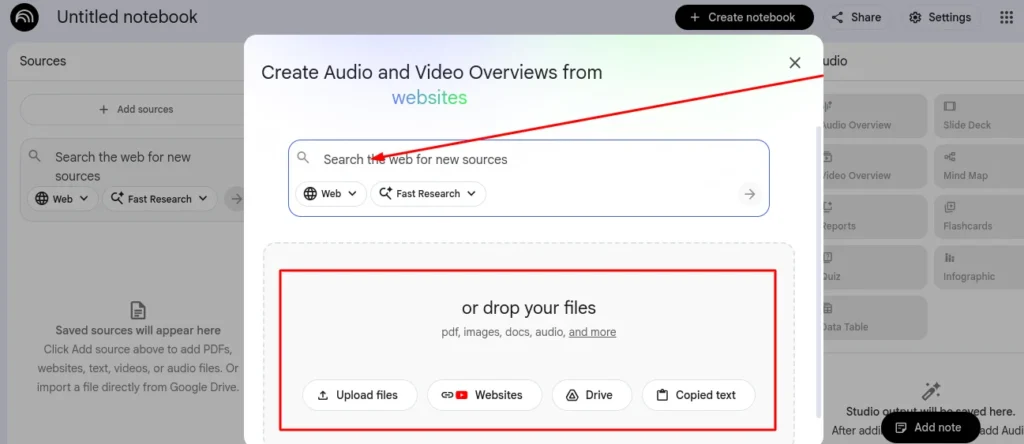
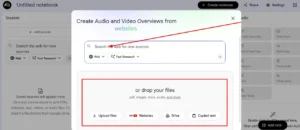
NotebookLM for studying has become one of the most discussed AI summarization tools among college students, and the podcast feature is the main reason why. You upload your lecture notes, textbooks, or PDFs, and NotebookLM generates summaries, creates quizzes, and produces an audio overview two AI voices having an actual conversation about your study material — that you can listen to like a podcast.
The podcast feature is genuinely one of my favorite things about NotebookLM. You can listen to two AI voices discussing your study material while you commute, do laundry, or exercise turning dense academic reading into something you can absorb in the background without sitting at a desk.
What most reviews leave out is that NotebookLM’s interface takes real time to learn. One consistent complaint in student forums is that the tool does not save chat history the way most apps do, which means if you close a session and come back later, your previous questions are gone. The tool is exceptionally powerful once you understand how it works, but budget your first two or three sessions just for getting familiar with the setup.
If you find NotebookLM confusing at first, stick with it for a few days. Once you understand how to organize your sources and ask good questions, this AI flashcard generator becomes one of the most valuable tools in your study routine.
Mindgrasp: Finds the Answer and Shows You Exactly Where It Came From
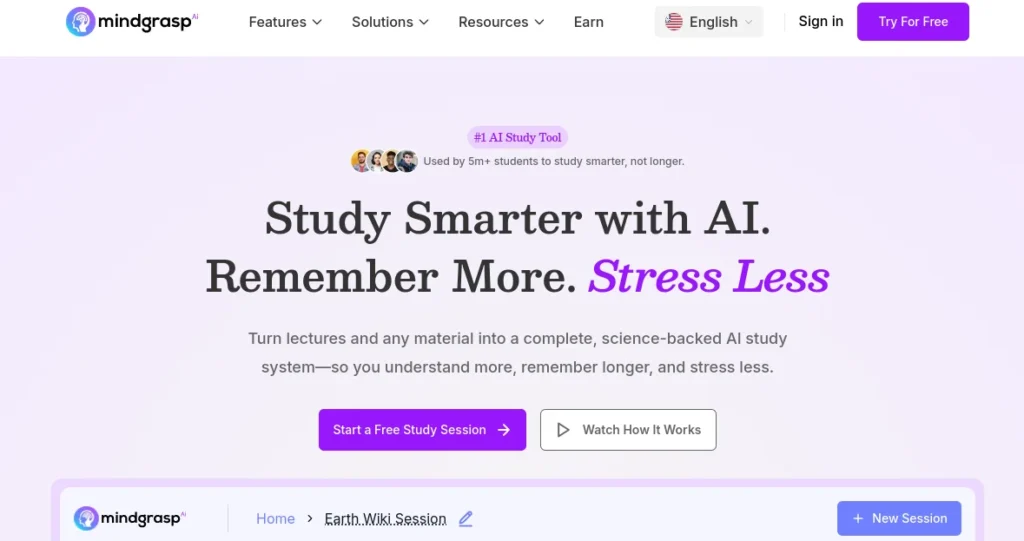
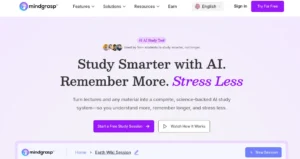
Mindgrasp is one of the most underrated AI study tools for college students. You can upload textbooks, PDFs, YouTube videos, lecture recordings, and most common academic file types. Mindgrasp reads through everything you upload and answers your questions based only on that source material — not on its general training data.
What separates Mindgrasp from similar tools is source transparency. When Mindgrasp gives you an answer, it shows you exactly where in your uploaded material that information came from. One click takes you directly to the original page or video timestamp. For academic work where verifying your sources matters, that level of traceability is genuinely valuable.
I use Mindgrasp when I am studying from multiple sources at once and I need to cross reference information quickly. The ability to ask a question and see the exact source makes me feel more confident that I am learning the right material.
Atlas.org: The Free Tool That Converts YouTube Lectures Into Study Notes
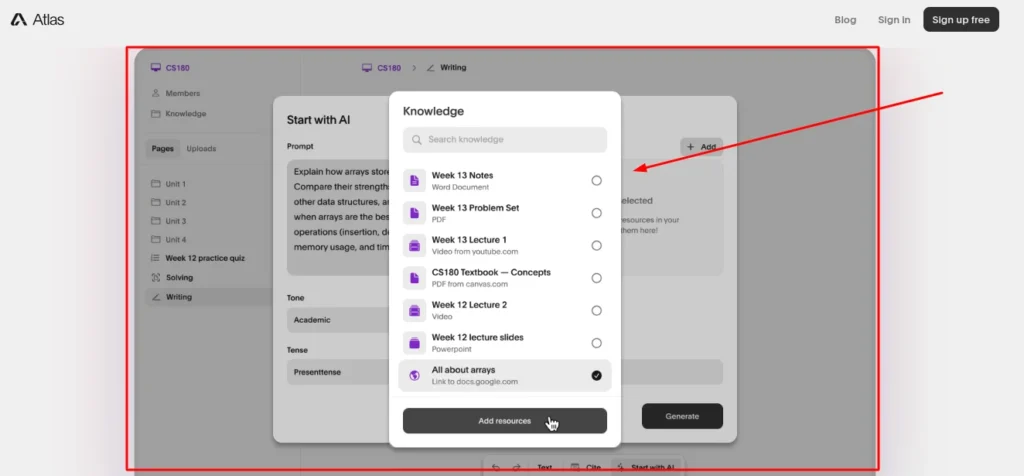
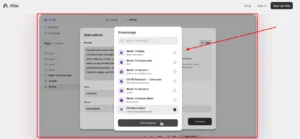
If most of your learning happens through YouTube videos, Atlas.org is the tool you need. It is completely free and converts YouTube lecture videos into structured notes, flashcards, and multiple-choice practice questions without you having to watch the video again
You paste in the YouTube link, and Atlas.org generates everything automatically. I have used this for recorded lectures that professors post online and for educational videos from other creators. The AI tools for studying that focus specifically on video content are rare, and Atlas.org does it better than most paid options.
Atlas.org also works with live classroom recordings. If your professor records the lecture, upload the file and Atlas.org returns organized notes and summaries formatted for review. This converts hours of passive audio into active, structured study material.
Otter.ai: The AI That Takes Notes While You Sit in Class
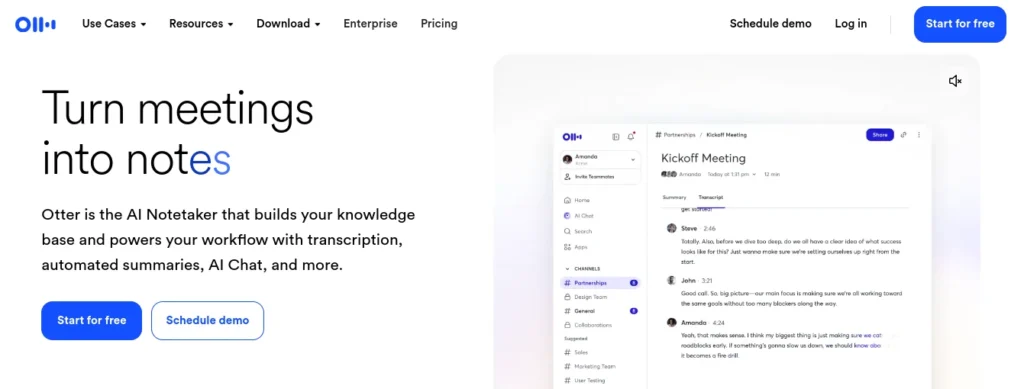
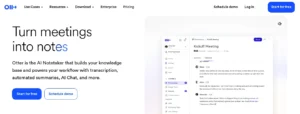
Otter.ai is the best AI note-taking app for real-time lecture transcription. You open the app during class, hit record, and Otter.ai transcribes everything your professor says. The transcription happens live, so you can follow along and highlight important parts as the lecture happens.
What I really appreciate about Otter.ai is how it organizes information. The tool automatically highlights keywords, tracks assignments and deadlines mentioned during class, and creates instant summaries you can search by keyword later. If your professor mentions a reading assignment or exam date, Otter.ai picks that up and flags it for you.
This is especially helpful in classes where the professor talks fast or covers a lot of ground in one session. You can focus on understanding the material instead of frantically writing everything down. After class, you have a complete searchable record of everything that was said.
AI Tools for Academic Writing That Go Beyond Grammar Checking
The best AI tools for academic writing go well beyond fixing typos. Grammarly remains the most reliable AI writing assistant for grammar, style, and punctuation. QuillBot specializes in paraphrasing rewording content so your expression is original even when the ideas come from sources. WriteAI is built specifically for long-form research papers that require proper academic citations in APA or MLA format.
These tools work best when you use them together as part of a writing process, not as a shortcut to avoid writing altogether.
Grammarly: Still the Most Reliable AI Writing Assistant for Students
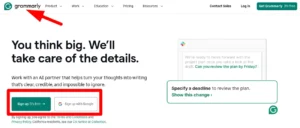
Grammarly for students is the one writing tool I recommend to every college student regardless of their major or writing level. Even on the free plan, you get grammar checking, spelling correction, and punctuation fixes that catch errors most people read right past.
The free tier is honestly enough for most college writing. I use Grammarly on every essay, every email to professors, and even on discussion board posts. The tool catches errors in real time as you type, which saves you from submitting something embarrassing.
Where does Grammarly Premium make a difference? The paid version gives you tone suggestions, clarity improvements, and style recommendations that help your writing sound more polished and professional. If you are serious about improving your writing quality over time, the premium features are worth considering. But start with the free version first and see if you actually need more.
One thing I genuinely value about Grammarly is that it explains why something is wrong, not just what to fix. Over time, that distinction adds up you stop making the same mistakes and your writing improves without even trying.
QuillBot: The Fastest Way to Paraphrase Without Losing Meaning
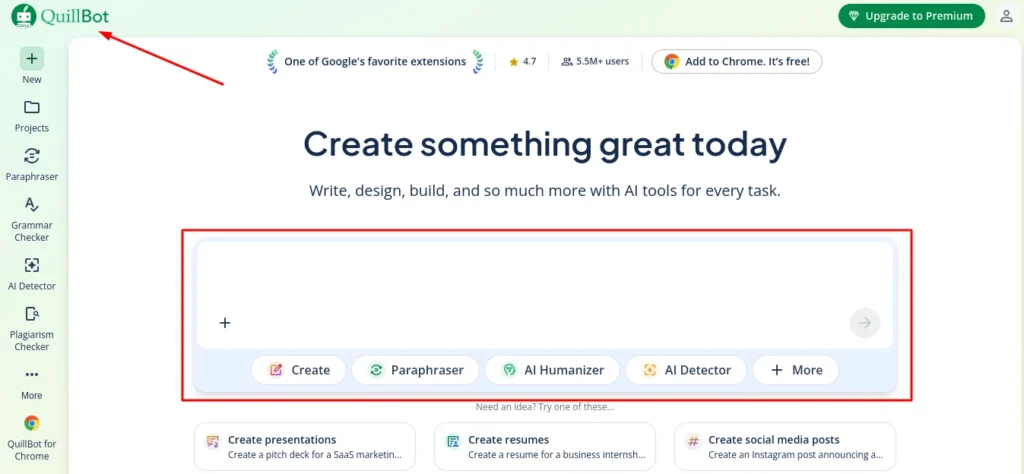
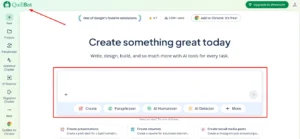
QuillBot for paraphrasing is the tool I turn to when I need to reword something without changing the core meaning. This is especially useful when you are summarizing research or trying to avoid accidentally copying phrasing from your sources.
A workflow I use regularly: draft your ideas or essay structure in ChatGPT, then run that output through QuillBot before you do anything else with it. QuillBot restructures the sentences and swaps word choices while preserving your core meaning, giving you a version that sounds like a starting point rather than a direct AI output. From there, you rewrite in your own voice.
This is not about tricking anyone. This is about using AI tools for essay writing in a way that helps you understand the material and then express it in your own voice. QuillBot gives you a second version of the text that sounds less robotic and more like something a real person would write.
I also use QuillBot when I am stuck on how to phrase something in my own writing. Sometimes I know what I want to say but the words are not coming out right. I type my rough version into QuillBot, see how the tool rewrites it, and then adjust from there.
WriteAI: For When You Need a 20 Page Research Paper With Real Citations
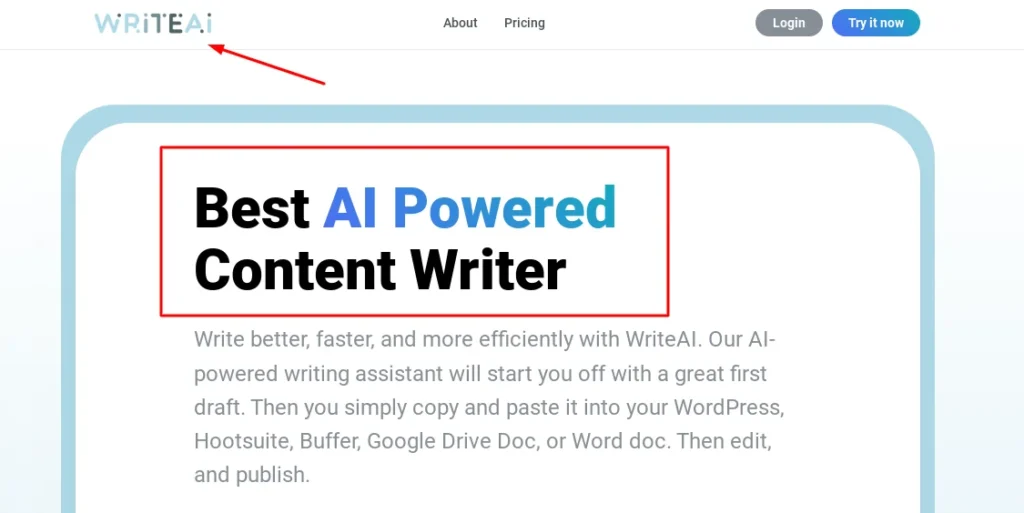
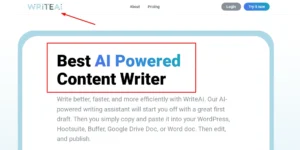
WriteAI is one of the few academic AI tools built specifically for long-form research papers. While most AI writing assistants begin to lose coherence and structure after one or two thousand words, WriteAI can generate up to 20,000 words in a single project roughly 30 to 35 pages of content without losing track of your thesis or argument.
What makes WriteAI different is the citation support. The tool generates content with real verifiable research links in APA or MLA format. You can click on the citations and verify where the information actually came from. This is a huge step up from generic AI tools that just make things up.
WriteAI works best when you start with an outline. You tell the tool what sections you want, what your thesis is, and what kind of sources you need. WriteAI generates the content section by section, and you can edit and refine each part before moving on. This gives you much more control over the final structure than just asking an AI to write the whole paper at once.
Is this cheating? That depends on how you use WriteAI. If you treat the tool as a starting point that you then rewrite, verify, and make your own, then you are using AI as a writing assistant. If you copy and paste the output and submit it without any thought, then yes, that crosses a line. Use WriteAI to help you understand how to structure a long research paper, not to avoid doing the work entirely.
The Best AI Tools for Research: Find Sources Faster and Smarter
The best AI tools for college research do something Google has never done well: they cite sources, summarize academic studies, and help you verify whether the papers you find genuinely support your thesis before you build your argument around them. Perplexity AI replaces Google for most academic questions. Elicit automates the tedious parts of literature reviews. Scite.ai checks whether a research paper supports or contradicts your argument before you waste time reading the whole thing.
These AI research tools for students save you hours of digging through search results that lead nowhere.
Perplexity AI: Use This Instead of Google for Academic Research
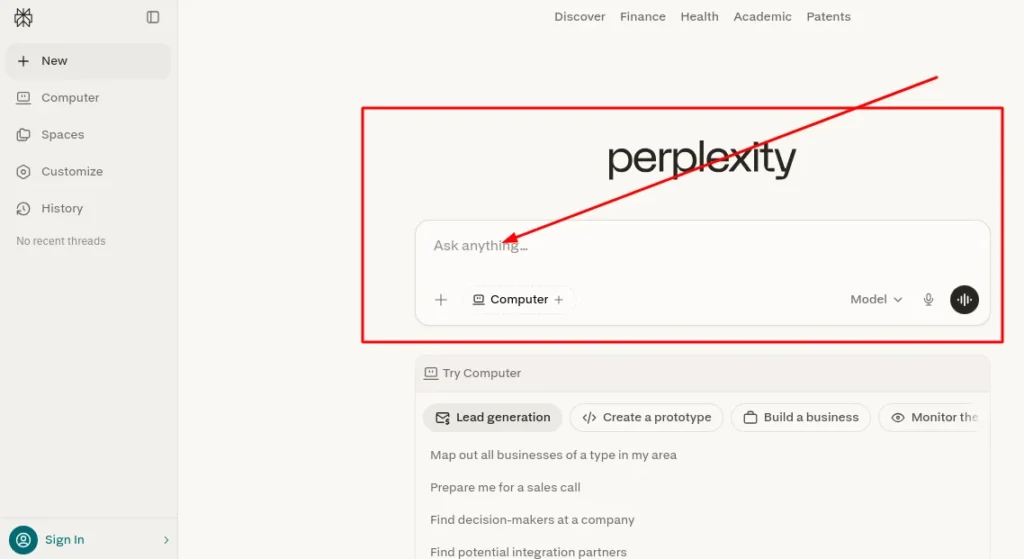
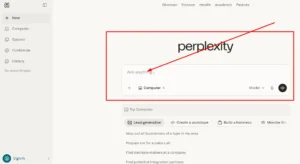
Perplexity AI outperforms traditional Google searches for academic questions because it cites its sources and synthesizes the research into a direct answer rather than giving you a list of links to click through. When you ask Perplexity a question, the tool searches multiple sources, pulls out the relevant information, and gives you a clear answer with clickable citations at the bottom.
I use Perplexity when I need a quick overview of a topic before diving into full papers. Instead of clicking through ten different search results and skimming abstracts, I get a coherent summary with links to the original studies. This is especially helpful in the early stages of research when you are still trying to figure out what questions to ask.
The free tier of Perplexity is honestly enough for most college students. You get unlimited basic searches with citations, which covers probably 90% of what you need for research projects. The paid version gives you access to more advanced models and deeper searches, but start with free and see if you actually need more.
What makes Perplexity different from Google is how the tool presents information. Google gives you a list of links. Perplexity gives you an actual answer and then shows you where that answer came from. For academic research, that second approach saves massive amounts of time.
Elicit: The AI Research Assistant That Reads Papers For You
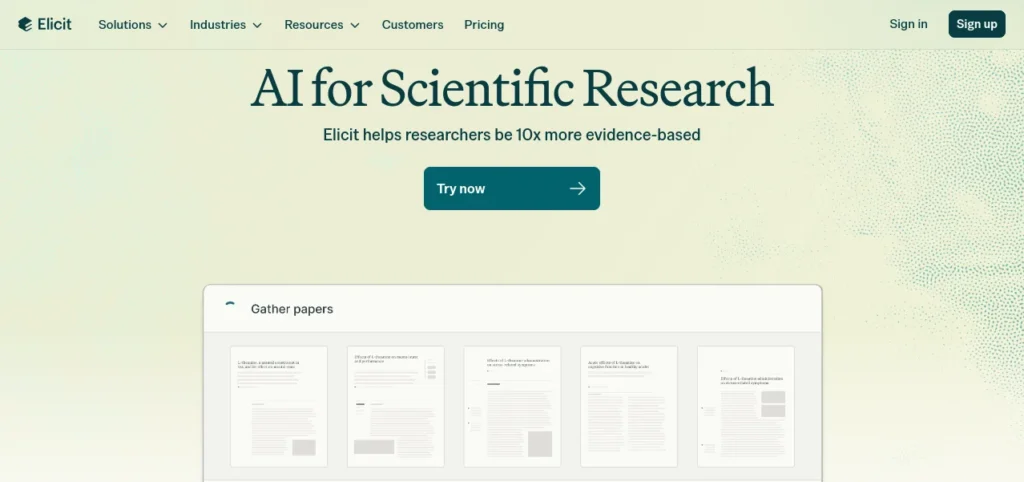
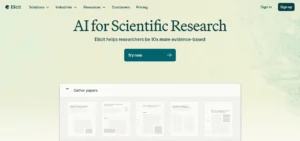
Elicit is one of the academic AI tools built specifically for students working on literature reviews. You enter your research question, and Elicit finds relevant academic papers, extracts key findings, and organizes everything into a comparison table you can reference and export.
Academic writing instructors who work with research-heavy programs consistently recommend Elicit for its ability to automate the paper-finding and summarization workflows that normally consume the most time in any literature review. Elicit finds papers based on your question, summarizes the main findings, and even pulls out specific data points like sample sizes and methodologies. This is huge when you are trying to compare multiple studies on the same topic.
I use Elicit when I am working on research papers that require a literature review section. Instead of reading 20 full papers to find the three sentences I actually need, Elicit gives me a snapshot of what each paper says. I can quickly identify which papers are worth reading in full and which ones I can skip.
Elicit does not replace the actual reading and thinking you need to do for serious academic work. But the tool eliminates the grunt work of sorting through irrelevant papers and trying to remember which study said what.
Scite.ai: Check If a Paper Actually Supports Your Argument Before You Cite It
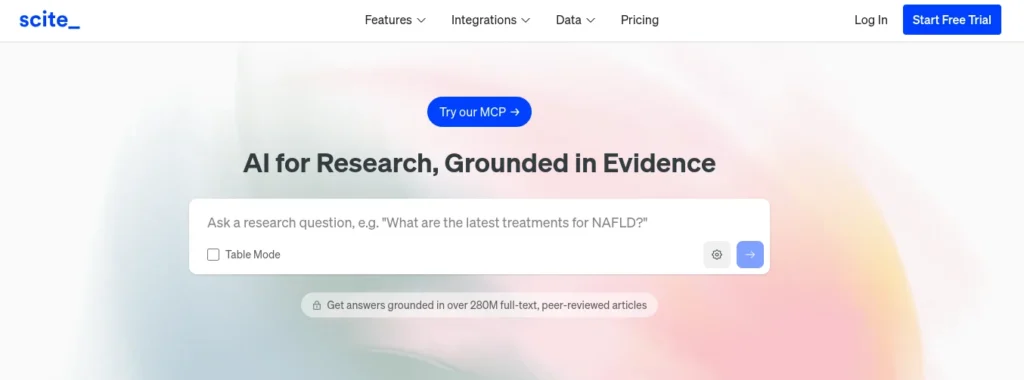
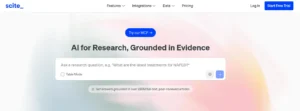
Scite.ai solves a problem I did not even know I had until I found this tool. Scite.ai shows whether a research paper provides supporting or contrasting evidence for the claims you are making. This prevents you from accidentally citing a paper that actually contradicts your thesis.
Here is how Scite.ai works. You search for a paper or a topic, and Scite.ai shows you how that paper has been cited by other researchers. More importantly, Scite.ai labels each citation as supporting, contrasting, or mentioning. You can see at a glance whether the academic community treats this paper as reliable evidence or as something that has been challenged.
The Smart Citations feature is what distinguishes Scite.ai from a standard citation manager. It catches citation errors that could undermine your entire argument specifically, cases where you cite a paper as supporting evidence when the broader academic community has since challenged or contradicted its findings. If you cite a paper without realizing that three other studies have contradicted its findings, your professor will notice. Scite.ai helps you avoid that.
I wish I had known about Scite.ai during my freshman year. I cited papers with confidence and later realized some of them were contradicted by newer research. My professors noticed. Scite.ai would have saved me from that. Scite.ai would have saved me from looking like I did not read my own sources.
Subject-Specific AI Tools: Math, Coding, and Language Students
Not every student needs the same AI tools. AI tools for STEM students look completely different from what an English major or business student would use. If you are studying math, engineering, or any science, Symbolab solves equations and shows you every step. If you are learning to code, GitHub Copilot and Codium write and debug code alongside you. Language students benefit from personalized learning AI that adapts to their speaking and comprehension level.
The best approach is to pick tools designed specifically for your major instead of trying to force general AI tools into every situation.
Symbolab: Photograph Your Math Problem and Get a Step-by-Step Solution
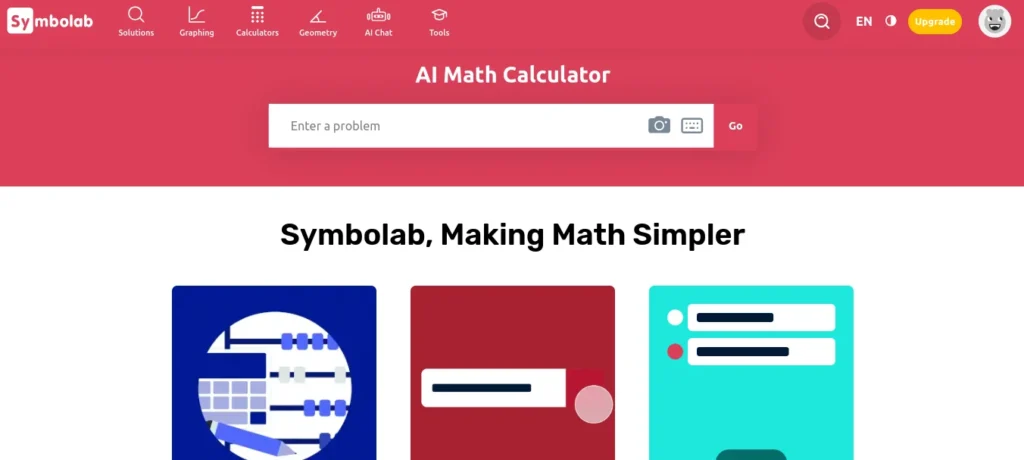
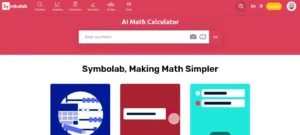
Symbolab is the strongest AI tool I have used for algebra, calculus, trigonometry, and math-heavy coursework in general. You type in your equation or photograph the problem directly from your textbook and Symbolab solves it while showing you every step of the process, not just the final answer.
What makes Symbolab different from just getting an answer is the step-by-step walkthrough. You can see exactly how the tool went from the problem to the solution. This is critical when you are studying for exams because you need to understand the process, not just memorize the answer.
I use Symbolab when I am stuck on a homework problem and I cannot figure out where I went wrong. Instead of staring at the same equation for 20 minutes, I put it into Symbolab, see the correct steps, and then go back and fix my own work. This turns Symbolab into more of a tutor than a cheat sheet.
The photo input feature alone saves significant time. Typing complex equations with fractions, exponents, and special mathematical symbols is slow and error-prone. With Symbolab, you photograph the problem directly from your textbook or worksheet and the tool reads and solves it within seconds. This saves so much time during late night study sessions.
Symbolab works as one of the best AI exam preparation tools for STEM students because you can practice problems, check your work, and learn the correct methods all in one place.
GitHub Copilot and Codium: For Students in Computer Science or Any Coding Course
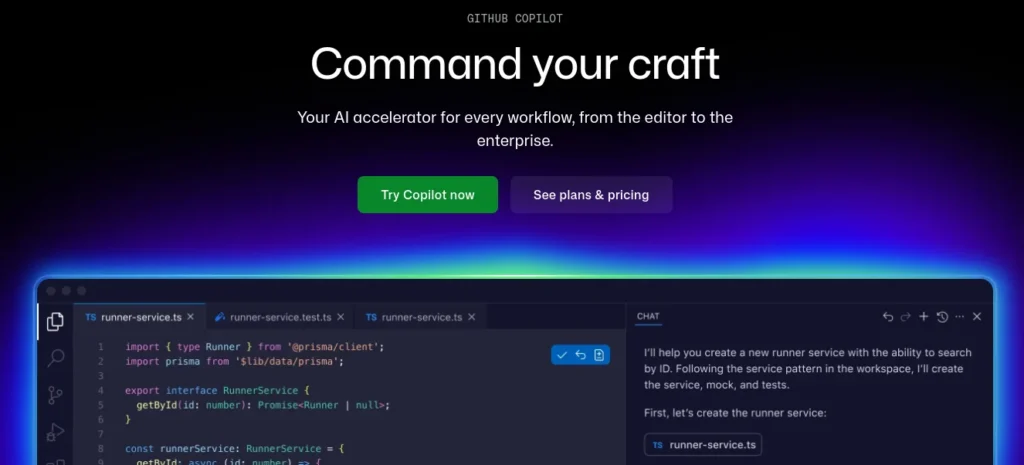
If you are taking any kind of programming or computer science course, GitHub Copilot and Codium are designed to help you write high-quality code more efficiently. These tools use AI to suggest code as you type, debug errors, and even explain what a block of code is doing in plain English.
GitHub Copilot is the better-known of the two. It works directly inside your code editor and suggests complete lines or entire functions as you type which is especially useful when you are learning a new programming language and do not yet know the standard syntax or common library methods by memory.
Codium focuses more on writing tests and improving code quality. If you are working on a project and you need to make sure your code actually works the way you think it does, Codium generates test cases and catches bugs before they become bigger problems.
I recommend these tools for coding students with one important note. Use GitHub Copilot and Codium to learn faster, not to avoid learning altogether. If you just copy every suggestion without understanding what the code does, you will fail when you have to write code on your own during exams or job interviews. For students exploring other development environments, this Claude Code vs Cursor comparison breaks down additional AI-powered coding options worth considering. Treat these AI tools for STEM students as teaching assistants, not as replacements for actually practicing and understanding the concepts.
The Honest Truth About AI and Academic Integrity in College
Is using AI tools in college cheating? The honest answer is: it depends entirely on how you use them. Using AI to understand concepts, generate study materials, or improve your drafting process is acceptable at most schools and widely recognized as a legitimate study strategy. Submitting AI-generated text as your own original work crosses into academic dishonesty at virtually every institution with a published policy.
The line between helpful and dishonest comes down to one principle. Use AI as a tutor, not as a ghostwriter. AI should explain concepts you do not understand, not do your assignments for you.
What most students underestimate is how recognizable AI-generated text has become. ChatGPT produces outputs with consistent linguistic patterns sentence rhythm, transition phrases, vocabulary choices that AI plagiarism checkers like Turnitin are specifically trained to detect. The longer the submission, the more recognizable the pattern. AI detectors can easily catch content written directly by ChatGPT, especially if you copy and paste without any changes.
I have seen students panic after submitting an essay only to find out their professor flagged it for AI detection. The problem was not that they used AI. The problem was that they submitted AI-generated sentences word for word without understanding or rewriting the content.
If you use ChatGPT to draft ideas or outline an essay, run that text through QuillBot before you work with it further. QuillBot paraphrases the content and changes the sentence structure while keeping the core meaning intact. This gives you a starting point that sounds less robotic and more like something a real person would write. Then you rewrite it again in your own voice.
Some students use academic-specific writing tools like Aithor.com, which allow you to select tone, citation style, and formatting requirements as part of the output. These tools are designed with academic conventions built in, which makes the output more structurally appropriate for college assignments than general AI tools. That said, any AI-generated content still needs to be read, understood, and rewritten in your own voice before submission.
The most important thing to remember throughout all of this: use AI to support your learning, but never replace your own thinking with it entirely. Always cross-check the information against your textbooks, lecture notes, and trusted academic sources. AI makes mistakes. AI invents sources that do not exist. AI sometimes gives you confident answers that are completely wrong.
Your academic performance depends on actually learning the material, not just getting through the assignment. When exam time comes, the AI will not be there to help you. If you used AI as a shortcut instead of a learning tool, you will struggle when you have to demonstrate knowledge on your own.
Most colleges are still figuring out their AI policies. Some professors allow AI use with proper citation. Others ban it entirely. Check your syllabus and ask your professor if you are unsure. The worst thing you can do is assume AI use is fine and then face consequences because you did not clarify the rules first.
Bottom line? AI tools and academic integrity can coexist in your college student workflow. The key is using AI to help you learn and think, not to avoid learning and thinking.
How to Get Better Results From Any College AI Tool: Prompting Techniques That Work
The quality of what you get from any AI tool depends almost entirely on how you ask the question. This is something most students never figure out on their own. They type a basic question, get a mediocre answer, and assume the tool is not that useful. The tool is fine. The prompt is the problem.
Prompt engineering is the skill of communicating with AI tools in a way that gets you genuinely useful results. Ishan Sharma, a tech educator with over a million YouTube followers who has reviewed dozens of AI tools for students, identifies prompt engineering as one of the most critical skills a college student can develop not because it is complex, but because it immediately changes the quality of every AI interaction you have. Not because it is complicated, but because it changes everything about how useful these natural language processing tools actually are in your college student workflow.
Here is the most important thing I learned. Two students can use the exact same AI tool and get completely different results based on nothing other than how they phrased their request. One student gets a vague, generic answer. The other gets a detailed, personalized explanation perfectly suited to their course level. The difference is the prompt.
Before I explain the specific methods, let me cover two basic approaches. Zero-shot prompting means you ask a direct question without giving the AI any extra context. Something like “What is Newton’s Third Law?” gets you a textbook answer. This works fine for simple lookups but falls short for anything complex or course-specific.
Few-shot prompting means you give the AI examples of what you want before asking your main question. You show the AI the style, format, or type of answer you are looking for, and the AI matches that pattern. This takes one extra step but produces dramatically better results for academic work.
Now here are three specific techniques that use AI tools to improve grades in a way that feels almost unfair once you know them.
The Role Method: Tell the AI Who to Be
The Role Method is one of the most immediately useful prompting techniques I have found for studying. Instead of just asking a question, you tell the AI what kind of expert to act as before you ask anything.
For example, instead of typing “explain photosynthesis,” you type “act as a biology professor explaining photosynthesis to a first-year college student who has no science background.” The difference in the response is remarkable. The AI shifts its tone, chooses simpler vocabulary, and focuses on the parts that matter most for a beginner.
Ashu Sir, an experienced science educator, teaches this exact method to his students. His recommendation is to tell the AI to “act as a science teacher” or to “explain it like you would to a 5-year-old.” The role you assign becomes the lens through which the AI filters its entire response. This turns any AI tool into a personalized learning AI that adapts to your exact level and background.
You can use this method for any subject. Ask ChatGPT to act as a history professor, a legal writing tutor, a calculus instructor, or an economics expert. Each role produces a noticeably different and more targeted answer than a plain question would.
The Constraint Method: Keep AI Focused on What You Actually Need
One of the most frustrating things about using AI for studying is getting an answer that is technically correct but completely useless for your actual course. You ask about a chemistry concept and the AI gives you a graduate-level explanation full of terminology you have not covered yet.
The Constraint Method fixes this by telling the AI exactly what boundaries to stay within. Instead of “explain organic chemistry reactions,” you say “explain organic chemistry reactions relevant to a second-year undergraduate course, using only terms and concepts covered at that level.”
Ashu Sir uses this method with his own students by instructing the AI to only provide answers relevant to a specific grade level or syllabus. You can do the same thing by adding constraints like these to any prompt:
- Keep the answer under 200 words
- Only cover what is relevant to my introductory psychology course
- Focus only on practical applications, not theory
- Use examples from everyday life
These boundaries stop the AI from going off in directions you do not need. The result is a focused, useful answer that fits directly into your current college student workflow without requiring you to filter through irrelevant information.
Format Instructions: Get Study-Ready Output Immediately
This is the technique that saves the most time once you start using it. Instead of getting a wall of text from an AI tool and then spending 20 minutes reorganizing it into something you can actually study from, you tell the AI exactly what format you want from the start.
Ashu Sir recommends asking for output in specific formats like tables, bullet points, flowcharts, or flashcards. Here is what this looks like in practice:
- “Explain the causes of the First World War in a table with two columns: Cause and Effect”
- “Give me 10 flashcard style questions and answers on cell division for my biology exam”
- “Summarize this concept as five bullet points I can review in two minutes”
- “Create a flowchart description showing the steps of the scientific method”
When you use format instructions, the AI becomes an instant AI flashcard generator or AI summarization tool rather than just a text generator. You get output that is immediately ready to study from, not output you have to reformat yourself.
One final tip that ties everything together. Never settle for the first response you get. If the answer is not quite right, tell the AI what to fix. Say “that was too complicated, simplify it” or “add a real-world example to that explanation.” Treating AI like a conversation partner rather than a search engine is how you study smarter with AI and get results that actually help your academic performance.
Best Free College AI Tools That Actually Work (With No Credit Card Required)
The best free AI tools for college students do not require a paid subscription to deliver genuine value. NotebookLM, Atlas.org, ChatGPT’s free tier, Perplexity AI, Grammarly, and Google AI Studio all offer core functionality that covers the majority of what most students need — without asking for a credit card. Most articles online either list tools without specifying what the free tier actually includes or quietly recommend tools where the free version is nearly useless. This section covers only tools where the free plan is legitimately sufficient. You can build a complete AI study routine without spending a single dollar if you know which free tiers are actually worth your time.
I want to be honest here because most articles just list tools without telling you what the free version actually includes. Some free tiers are generous. Others give you just enough to make you feel like you need to upgrade. The tools in this list are ones where the free version is genuinely sufficient for most college students.
Here is a breakdown of the best free AI tools for studying that I have personally found worth using:
NotebookLM by Google: Completely Free
NotebookLM is fully free with no usage limits for core features. You can upload PDFs, generate summaries, create quizzes, and use the audio overview podcast feature without paying anything. For AI tools for online college students especially, NotebookLM is one of the most valuable free resources available right now.
Atlas.org: Completely Free
Atlas.org converts YouTube lecture links into structured notes, flashcards, and multiple choice questions at no cost. The tool also records live lectures and generates summaries. There is no premium tier blocking the core features. Everything that makes Atlas.org useful for students is available for free.
ChatGPT Free Tier: Generous for Most Students
The free version of ChatGPT gives you access to solid AI assistance for brainstorming, concept explanation, and study help. The free tier has usage limits and slower response times during busy periods, but for most day-to-day studying tasks, the free version is more than enough.
Perplexity AI Free Tier: Best Free Research Tool
Perplexity AI offers unlimited basic searches with cited sources on the free plan. For students who need a smarter way to research topics and find academic sources, the free tier of Perplexity covers the majority of use cases without any payment required.
Grammarly Free Tier: Essential for Writing
Grammarly’s free version handles grammar, spelling, and punctuation correction across all your writing. The free tier works in your browser, Google Docs, and most writing platforms. For students who need reliable writing assistance without paying for premium features, the Grammarly free tier is completely sufficient for everyday academic writing.
Google AI Studio: Free with a Google Account
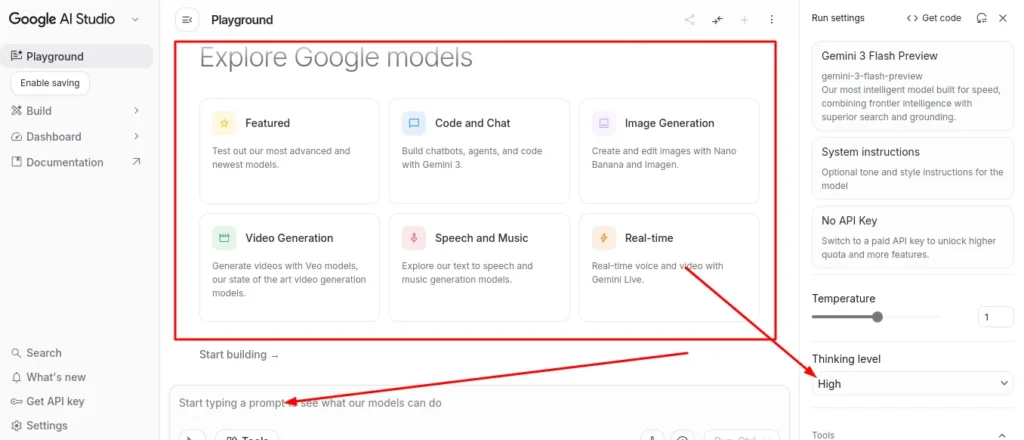
Google AI Studio, which powers Gemini’s advanced features including screen sharing, is free to access with any Google account. Students who already use Google Workspace for school get access to this tool without any additional cost.
Gamma.app: Generous Free Tier for Presentations
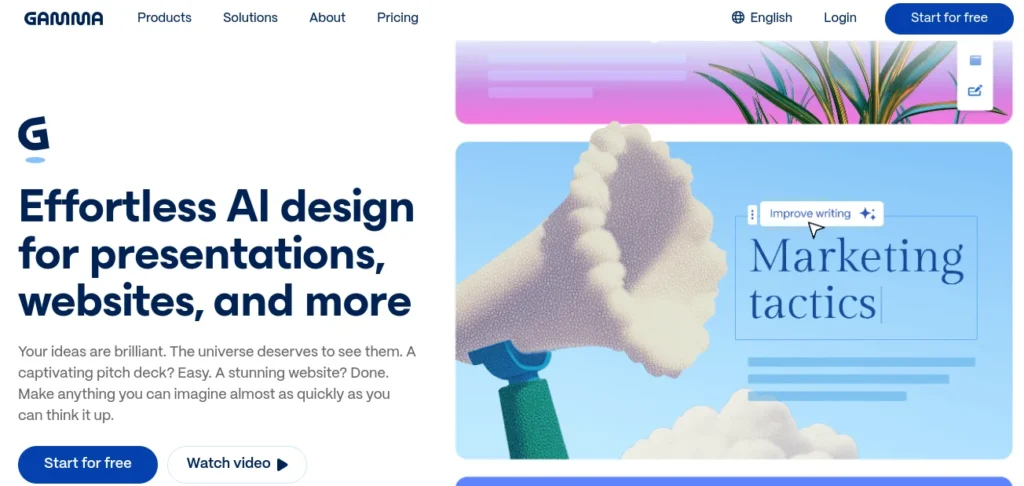
Gamma.app lets you generate professional presentation slides from a text prompt. The free tier is generous enough for most student projects. You type in your topic, and Gamma.app builds a complete slide deck with clean design and organized content. For one-off presentations, the free tier works well without ever upgrading.
Quiz Gecko: Free for Exam Prep
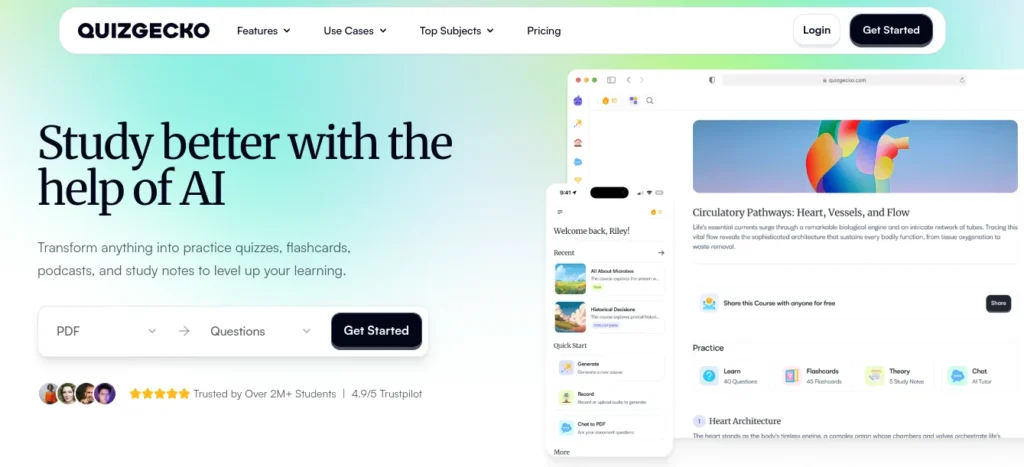
Quiz Gecko lets you upload your study notes and converts the material into practice questions automatically. The free version covers the core exam preparation features that make the tool useful for student productivity with AI.
One bonus tip worth knowing. Google Gemini has a student plan that gives you premium access for a full year along with 2TB of Google Drive storage. If you are already using Google for school, this student plan is one of the best deals available in the AI tool space right now.
The free versions of these tools are sufficient to significantly boost your study habits. You do not need to spend money to benefit from AI in college. Start with the free tiers, build your workflow, and only consider upgrading if you consistently hit a limit that genuinely slows you down.
The Simple AI Tool Stack That Works for Most College Students
The most effective college student workflow uses three to four AI tools that each serve a different purpose — research, note processing, writing, and general help — without overlapping. Perplexity AI for research and quick cited questions. NotebookLM for turning your course materials into active study resources. Grammarly for writing polish. Plus one general AI assistant like ChatGPT for brainstorming, concept explanation, and working through problems when you are stuck.
This combination covers every major academic task without overwhelming you with too many apps to manage. Each tool does one thing really well, and together they create a complete system for student productivity with AI.
Here is how this stack works in a typical day. When you need to research a topic for a paper or understand a concept from class, start with Perplexity AI. Perplexity gives you cited answers and saves you from digging through ten different Google search results. For research questions, Perplexity is faster and more reliable than any traditional search engine.
Next, upload your lecture PDFs, textbook chapters, or research sources to NotebookLM. NotebookLM generates summaries, practice quizzes, and even audio overviews you can listen to while walking between classes. This turns passive reading into active study material.
When you write papers or assignments, run everything through Grammarly for grammar and style checking. If you used AI to draft ideas, run that content through QuillBot first to paraphrase it into your own voice, then polish it with Grammarly.
Keep one general AI assistant like ChatGPT for explaining confusing concepts, brainstorming essay ideas, or working through problems when you are stuck. Think of ChatGPT as your always-available study partner who can break down complex topics into simple explanations.
One Reddit user shared their daily stack that works well for many students. NotebookLM for deep learning from uploaded materials. ChatGPT for general research and brainstorming. Perplexity for fact-checking and finding sources. The pattern is always the same. One tool for research, one for study material generation, one for writing, and one for general help.
Your ideal stack might look different depending on your major. STEM students should add Symbolab for math problems. Coding students need GitHub Copilot. Liberal arts students might prioritize research tools like Elicit over math-specific AI productivity tools for college.
The most important principle to remember comes from Ashu Sir, an experienced educator who teaches thousands of students. Use AI to enhance your life, but do not rely on AI 100%. Always cross-check information against your textbooks, lecture notes, and trusted sources. When exam time comes, you need to understand the material yourself because the AI will not be there to help you.
The goal is to study smarter with AI, not to avoid studying altogether. These best college AI tools work when they help you learn faster and understand better. The moment you use AI to avoid thinking instead of to think more clearly, you have crossed the line from helpful tool to harmful shortcut.
Frequently Asked Questions About AI Tools for College Students
What is the best free AI tool for college students right now?
NotebookLM covers the most ground for free PDF summarization, quiz generation, and the audio podcast feature all at no cost. For YouTube-based lectures, Atlas.org is the best completely free option. For research with cited sources, Perplexity AI is unmatched on its free plan.
Is it cheating to use AI tools for college assignments?
Using AI to learn, generate study materials, and improve your drafting process is accepted at most schools. Submitting AI-generated text as your own work violates academic integrity policies. Always check your institution’s specific AI policy and ask your professor when you are unsure.
Which AI tool is better for studying ChatGPT or NotebookLM?
They serve different purposes. ChatGPT is better for concept explanation, brainstorming, and general questions on any topic. NotebookLM is better when you want to study directly from your own course materials notes, PDFs, and textbooks you upload.
How do I use AI tools without getting caught by plagiarism detectors?
Never submit AI-generated content directly. Use QuillBot to paraphrase AI output, which changes sentence structure while keeping the meaning intact. Academic-specific tools like WriteAI are designed to produce less detectable content. Most importantly, use AI to help you understand the topic first, then write in your own voice.
The safest approach is to use AI for learning and brainstorming, not for generating final text that goes into your assignments.
What AI tools do college students actually use every day?
Based on student community discussions, the most common daily stack includes ChatGPT or Claude for concept help and drafting, Perplexity for quick research, NotebookLM for studying from uploaded materials, and Grammarly for writing polish. Notion AI is popular for organizing tasks and deadlines.
Most successful students pick three to four tools maximum rather than trying to use every available option.
Are AI study tools better than just using Google?
For academic research questions, Perplexity AI outperforms Google because it cites sources, summarizes relevant studies, and provides direct answers rather than just a list of links. For studying from your own materials, tools like NotebookLM and Mindgrasp are far more effective than any search engine.
Google is still useful for broad information searches, but AI tools are specifically designed for academic work and learning.
What is the best AI tool for writing a research paper?
For research and finding sources, use Perplexity and Elicit. For checking whether your cited papers actually support your argument, use Scite.ai. For the actual writing with proper citations, combine Grammarly for editing with WriteAI for long-form academic writing in APA or MLA format.
The key is using different tools for different parts of the research and writing process rather than trying to do everything with one tool.
Disclaimer: This guide is based on my own personal research and experience as a college student. I am not affiliated with or paid by any of the tools mentioned here. All recommendations are honest and independent. Tool features and pricing may change, so always verify on the official website.